.svg)
How Mobile Mechanics, Detailers, and Tire Shops Manage Jobs on the Road
Learn how mobile mechanics, detailers, and tire services manage scheduling, technicians, job updates, customer communication, and growth from the road.

.png)
Helping auto shops work smarter and grow.

Mobile automotive service is changing what customers expect from car care. Instead of driving to a shop and waiting, customers can have a detailer, mechanic, or tire technician come directly to their home, workplace, or fleet yard.
That convenience creates a strong business opportunity. It also creates an operational challenge: how do you manage customers, vehicles, appointments, technicians, job updates, and service records when the work is happening across different locations every day?
For mobile car detailing businesses, mobile repair shops, and mobile tire services, the answer is not more text messages and spreadsheets. It is a connected system that gives the entire operation one clear view of every job from booking to completion.
Mobile automotive businesses operate differently from fixed-location shops
A traditional shop controls where the work happens. Vehicles arrive at one location, technicians work from assigned bays, and service advisors can usually see what is happening by walking across the floor.
A mobile business does not have that visibility by default. One technician may be changing tires at an office building, another may be completing a repair in a customer's driveway, and a detailing crew may be working across town. The owner still needs to know:
- Which jobs are scheduled today
- Where each job is taking place
- Who is assigned to the work
- Whether the technician has started or finished
- What services were completed
- Whether the customer received an update
Without one shared system, this information becomes scattered across calendars, calls, group chats, notes, and individual phones.
Convenience is the product, not just the service
Customers choose mobile automotive services because they want less disruption. A tire change at work, a repair in the driveway, or a vehicle detail at home saves them the time and inconvenience of visiting a physical shop.
Tire Review identifies mobile tire service as a way for shops to create a new revenue stream while solving problems wherever customers need help. The same principle applies to mobile mechanics and detailers: the service becomes more valuable because it comes to the customer.
But the experience stops feeling convenient when arrival windows are unclear, technicians lack the right customer information, or updates depend on someone remembering to send a text. The operational system behind the service must be as convenient as the service itself.
Build the day around a clear job schedule
For a mobile team, the schedule is the operating plan for the entire day. Every job should include the customer, vehicle, service address, requested work, assigned technician, appointment time, and relevant notes.
A shared schedule prevents common problems such as double-booking, sending the wrong technician, overlooking travel time, or losing an appointment inside a personal calendar.
It also helps owners make better decisions. If one area has several appointments, jobs can be grouped more efficiently. If an urgent tire or repair request arrives, the owner can see which technician has capacity without calling everyone individually.
Give technicians the information they need in the field
Mobile technicians should not have to call the office for basic information. Before arriving, they should be able to view the customer's contact details, vehicle information, requested service, previous work, and job notes from their phone or tablet.
This is especially useful across different mobile automotive services:
- Mobile mechanics can review vehicle history and the reported issue before beginning diagnostics.
- Mobile tire technicians can confirm the vehicle, tire service, location, and appointment details.
- Mobile detailers can review the selected package, vehicle size, previous services, and customer instructions.
The technician arrives prepared, while the customer receives a more consistent and professional experience.
Track every job as it moves
When jobs happen away from a shop, status updates replace physical visibility. A simple workflow—scheduled, assigned, in progress, completed—lets owners and staff understand what is happening without repeatedly calling technicians.
Real-time job tracking also makes customer communication easier. If a job is still in progress, the office can provide an accurate update. If it has been completed, the record is available immediately rather than being reconstructed at the end of the day.
Effective mobile workforce management improves customer satisfaction through more accurate scheduling, faster responses, and better access to real-time information, according to Salesforce.
Document work with photos, videos, and service notes
Field documentation protects both the business and the customer. Before-and-after photos can record vehicle condition, completed repairs, tire work, or detailing results. Service notes explain what was found, what was completed, and what may need attention later.
When documentation is attached directly to the job and customer profile, it becomes part of the service history instead of disappearing inside a technician's camera roll.
This helps mobile businesses handle customer questions, support quality control, train team members, and create a clearer record of the work delivered.
Keep customers updated without constant manual texting
Mobile customers want to know when the technician is expected, whether the job has started, and when the work is complete. Clear communication builds trust, especially when the customer is not standing beside the vehicle.
Centralized customer communication helps the team send consistent updates without relying on separate personal message threads. It also keeps the communication history connected to the customer rather than trapped on one employee's phone.
Turn one-time jobs into repeat business
A completed mobile job should not be the end of the customer relationship. The service history creates future opportunities:
- A detailing customer may need another appointment in several months.
- A repair customer may need recommended maintenance.
- A tire customer may return for seasonal changes, rotation, or replacement.
- A fleet account may need recurring service across multiple vehicles.
Keeping customer and vehicle records in one place makes follow-up easier and gives the business a foundation for repeat service. For a deeper look at this customer-database approach, read how mobile detailing businesses use a CRM and mobile app.
Scale the operation without losing control
A solo operator may be able to manage the first few customers from a phone calendar and text messages. That system becomes fragile when the business adds technicians, service vehicles, territories, or another location.
Growth requires standardized workflows. Every team member should capture the same customer details, update jobs in the same way, and store documentation in the same place. Owners then gain a reliable view of the operation without needing to supervise every job personally.
The right system should work for the business today while supporting the next technician, vehicle, or service area.
Manage mobile automotive services with OXMotive
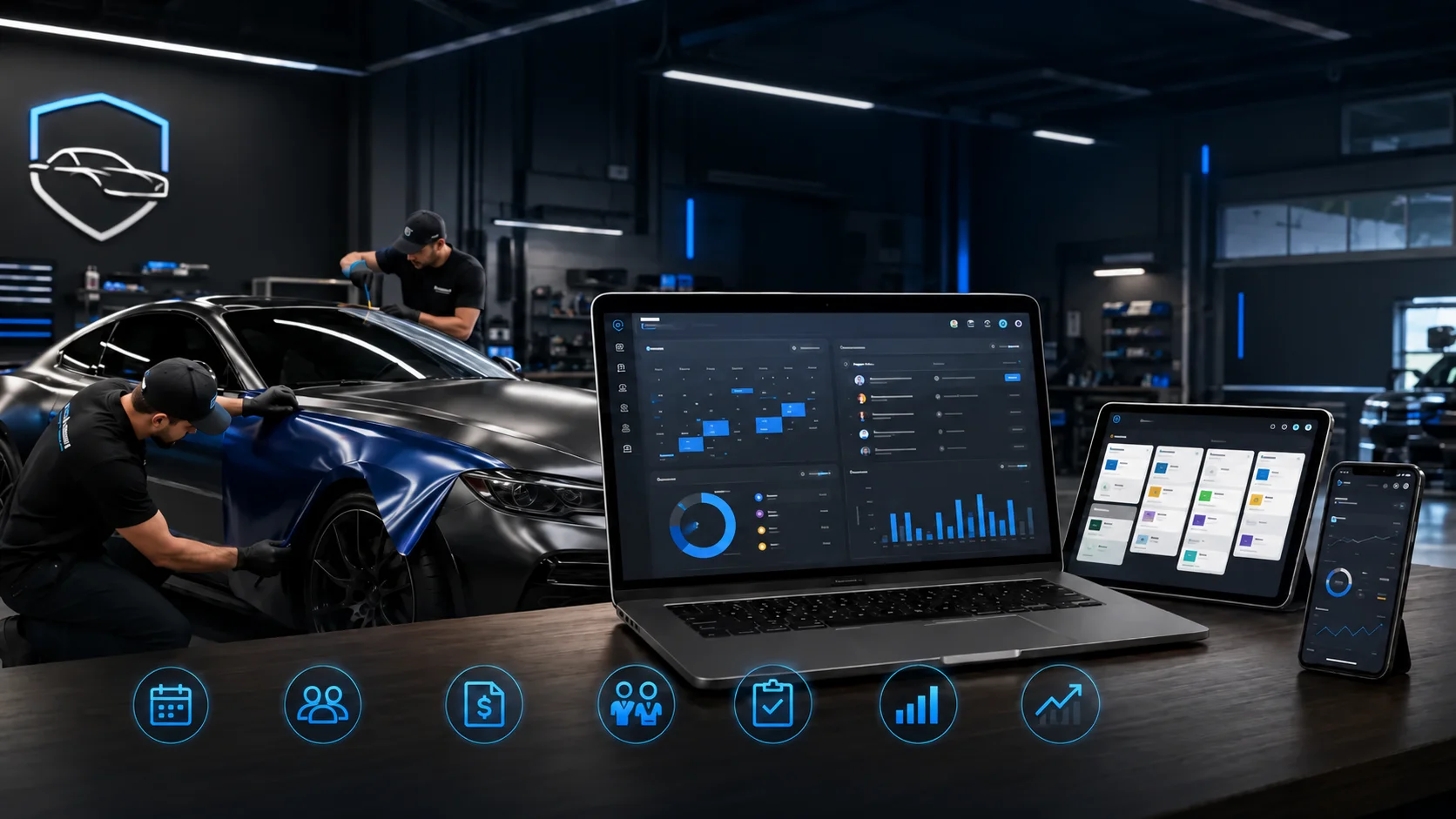
OXMotive brings customer and vehicle profiles, job management, technician assignments, photo and video documentation, SMS communication, and real-time reporting into one connected platform.
Its mobile app helps technicians access and update jobs from the field, while the web portal gives owners and managers visibility across the operation. Whether you run a mobile detailing business, mobile repair service, mobile tire operation, or a combination of services, OXMotive helps keep the work organized as the business grows.
Frequently asked questions
What software do mobile automotive service businesses need?
Mobile automotive businesses need software that combines customer and vehicle records, scheduling, job assignments, real-time status tracking, field documentation, customer communication, and reporting in one system.
Can mobile mechanics manage jobs from their phones?
Yes. A mobile app can give mechanics access to customer details, vehicle information, service history, job notes, and assigned work while allowing them to update job progress from the field.
How does software help a mobile tire service?
It helps organize appointments, service locations, customer and vehicle details, technician assignments, job statuses, documentation, and follow-up for services such as tire changes, repairs, rotations, and seasonal appointments.
Is mobile detailing software different from a basic CRM?
A basic CRM primarily stores leads and customer information. Mobile detailing software should also support vehicle profiles, job scheduling, field updates, before-and-after media, service history, and communication from a mobile device.
When should a mobile auto service business adopt management software?
Ideally, before information becomes scattered. A solo operator can benefit early, but software becomes essential when adding technicians, increasing daily appointments, serving fleets, or expanding into new service areas.
Ready to run your mobile automotive business from one connected system? Book a demo of OXMotive.
Subscribe to our newsletter today
Fresh insights and practical tips delivered every week.