.svg)
Choosing Shop Management Software: A Buyer's Guide for Appearance and Protection Shops
The right shop software saves time for years; the wrong one is daily friction. Here is a vendor-neutral buyer's guide for appearance and protection shops.

.png)
Helping auto shops work smarter and grow.
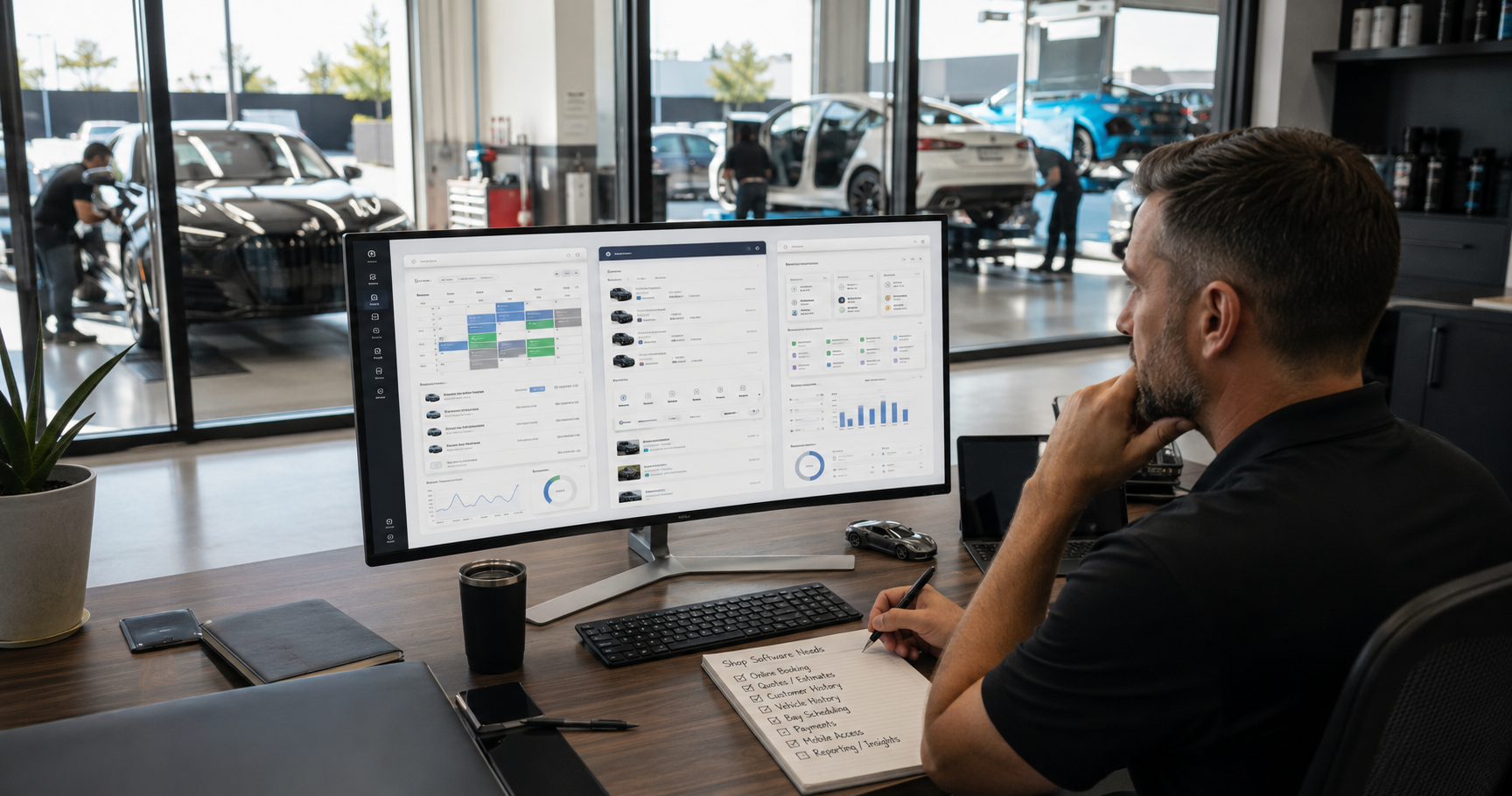
Choosing the software that runs your shop is one of the more consequential decisions you will make, because the right system quietly saves time and grows revenue for years, while the wrong one becomes a daily source of friction you are stuck with. Yet most shop owners approach the decision without a clear framework, swayed by a slick demo or the lowest price. This guide gives you a practical, vendor-neutral way to evaluate shop management software for a detailing, wrap, tint, PPF, or protection business, so you choose based on what actually matters for how your shop works.
Start with your actual problems, not the feature list
The most common mistake is shopping for features instead of solutions. Every platform advertises a long list of capabilities, and it is easy to be dazzled by things you will never use. Start instead by writing down the real problems you need solved: leads slipping through the cracks, no-shows, disorganized customer records, slow quoting, no visibility into your numbers, whatever actually costs you time or money today. Then evaluate each system on how well it solves your specific problems. A shorter, cheaper tool that nails your real needs beats a bloated, expensive one full of features irrelevant to your shop. The best system is the one that fixes what is actually broken for you.
Make sure it fits how appearance shops really work
Generic business software often misses the realities of appearance and protection work, so fit for your trade matters. Your work is vehicle-centric, so the system should organize information around customers and their vehicles, with service history that makes sense for coatings, wraps, tint, and detailing. Your work is visual, so photo capture and documentation should be first-class, not an afterthought. Your work happens in bays and driveways, not at a desk, so mobile access is essential. A tool built for general appointments or for a different industry can technically work, but a system that reflects how appearance shops actually operate will fit far better and require less fighting against its assumptions.
Insist on mobile access
This deserves its own emphasis because it is where many systems fall short. Your team works away from the front desk, in the bay, at the vehicle, on mobile jobs, so a system that only really works on an office computer forces exactly the delayed, forgotten record-keeping you are trying to eliminate. A genuine mobile app that lets staff pull up customers, capture photos, update job status, and respond to inquiries from their phones is not a bonus feature, it is core to whether the system gets used at all. Software that is not used consistently is worthless no matter how good it looks, and mobile access is often the deciding factor in whether a shop team actually adopts it.
Plan for growth: multi-location and scaling
Choose a system for where you are going, not just where you are. If there is any chance you will add locations, you want a platform that supports multiple locations with shared customer data and a unified view for ownership, because migrating to a new system mid-growth is painful and disruptive. Even if you are a single shop today, consider whether the tool can grow with you: more staff, more services, more volume. Picking a system that can scale means you are not forced into a wrenching switch right when your business is expanding and you can least afford the disruption. The right system should be a foundation you build on, not a ceiling you hit.
Check the practical realities: data, support, and price
A few practical factors separate a good decision from a regret. First, data ownership: make sure you can export your customer and job data freely, so you are never locked in and your most valuable asset stays yours. Second, support and onboarding: software you cannot get help with, or cannot get your existing data into, will stall before it delivers value, so weigh the quality of setup help and ongoing support. Third, honest pricing: look past the headline number to the total cost, what is included, what costs extra, and whether the value justifies the price for your shop. A slightly higher price for a tool that fits and is well-supported is usually the better deal than a cheap tool you fight with daily.
Test it against your real workflow before committing
Finally, do not buy on a demo alone. A polished demo shows the software at its best on the vendor's terms, which is not the same as how it will handle your shop's daily reality. Where possible, trial the system against your actual workflow: enter real customers, run a real quote, capture real job photos, see how it feels on a phone in the bay. Involve the staff who will use it every day, because their adoption determines whether it succeeds. Testing against your real work surfaces the friction a demo hides and gives you confidence that the system fits before you commit years of your business to it. When you evaluate options, a platform like OXMotive is built specifically for appearance and protection shops, with the features these shops actually need, a mobile app, multi-location support, and data exports, and you can book a demo to test it against your own workflow.
How it comes together
Choosing shop management software comes down to a clear process: start from the problems you actually need solved, insist on a system that fits how appearance shops really work, demand genuine mobile access, plan for growth, and check the practical realities of data ownership, support, and true cost. Then test your top choice against your real workflow before committing. Follow that process and you are far more likely to land on a system that saves you time and grows with you for years, rather than one you regret and have to replace. Choose deliberately, because this is a decision you will live with daily.
Frequently asked questions
How do I choose the right software for my shop?
Start from the real problems you need solved, missed leads, no-shows, disorganized records, slow quoting, rather than from a feature list. Then evaluate each system on fit for appearance work, genuine mobile access, ability to scale, data ownership, support quality, and true total cost. Finally, test your top choice against your actual workflow before committing. The best system is the one that fixes what is actually broken for you.
What features matter most for an appearance or protection shop?
Fit for how these shops work: vehicle-centric customer records with service history suited to coatings, wraps, tint, and detailing; first-class photo capture since the work is visual; and genuine mobile access since the work happens in bays and driveways, not at a desk. Multi-location support and free data export matter for growth and ownership. Prioritize the features that solve your specific problems over long generic lists.
Why is mobile access so important?
Because your team works away from the front desk, in the bay, at the vehicle, on mobile jobs. A system that only works well on an office computer forces the delayed, forgotten record-keeping you are trying to eliminate, and software that is not used consistently is worthless. A genuine mobile app that lets staff pull up customers, capture photos, and update jobs from their phones is often the deciding factor in whether a team actually adopts the system.
Should I pick software based on my current size or future plans?
Choose for where you are going. If you might add locations, pick a platform with multi-location support and shared customer data now, because migrating mid-growth is painful. Even as a single shop, consider whether the tool handles more staff, services, and volume. A system that scales spares you a disruptive switch right when your business is expanding and you can least afford it.
Is a demo enough to decide?
No. A demo shows the software at its best on the vendor's terms, not how it handles your daily reality. Where possible, trial it against your real workflow, enter real customers, run a real quote, capture job photos, try it on a phone in the bay, and involve the staff who will use it daily, since their adoption determines success. Testing against real work surfaces friction a demo hides.
[[END FAQ]]
This article offers general guidance to help you evaluate software independently. Assess any system against your own shop's specific needs before purchasing.
Subscribe to our newsletter today
Fresh insights and practical tips delivered every week.