.svg)
Managing a Multi-Bay Detailing or PPF Shop: Keeping Every Bay Booked and On Schedule
In a multi-bay detailing or PPF shop, an idle bay is money you cannot earn back. Here is how to think in bay-hours and keep every bay booked and on schedule.

.png)
Helping auto shops work smarter and grow.

In a multi-bay detailing or PPF shop, your bays are your factory floor, and an idle bay is money you can never earn back. Every hour a bay sits empty, or a job runs long and jams the one behind it, is lost throughput that does not show up on any invoice. The shops that stay profitable at scale are not necessarily the busiest, they are the ones that keep every bay booked and every job running on schedule. This guide covers how to manage capacity so your shop earns what it is actually capable of earning.
Your real constraint is bay-hours, not customers
The first mindset shift is understanding what you are actually selling: bay-hours. A shop with four bays open ten hours a day has forty bay-hours to sell, and every one you fail to fill or fill with an underpriced job is gone forever. Thinking in bay-hours changes how you schedule, price, and prioritize. It reveals that a bay running a slow, low-margin job is not free just because it is busy, it is occupying capacity that a better job could have used. Once you see your shop as a fixed pool of bay-hours to be filled profitably, every scheduling decision gets clearer.
Schedule by realistic job duration, not by guesswork
The fastest way to wreck a multi-bay schedule is to book jobs without knowing how long they really take. A full PPF wrap is not a two-hour job, and slotting it as though it were means every appointment after it starts late and the whole day cascades. You need realistic time estimates for each service type, based on what the work actually takes in your shop, and a schedule that blocks the right amount of bay-time for each. When jobs are booked against accurate durations, bays flow smoothly from one car to the next instead of colliding, and you stop the daily domino effect of one long job derailing everything behind it.
Match the job to the right bay and the right tech
Not every bay and not every technician is equal, and pretending otherwise wastes capacity. A PPF install needs a clean, controlled environment and a skilled installer, a maintenance wash does not. When you assign jobs deliberately, sending the complex, high-value work to the bays and people equipped for it and routing simpler work elsewhere, you keep your best resources on your most profitable jobs and avoid bottlenecks. A shop that treats all bays and techs as interchangeable ends up with a master installer doing a wash while a wrap waits, which is exactly the kind of hidden capacity leak that caps a shop's earnings.
Protect the schedule from no-shows and overruns
A multi-bay schedule is only as good as its reliability, and two things break it: no-shows that leave a booked bay empty, and jobs that run over and push into the next. Defend against both. For no-shows, confirmations, reminders, and deposits on big jobs keep booked bays actually occupied, which matters far more when the empty slot is a full-day PPF bay than a quick service. For overruns, building in realistic buffers and tracking which job types consistently run long lets you schedule around reality instead of hope. Every no-show or overrun you prevent is a bay-hour recovered.
Give the whole team one shared view of the day
In a multi-bay shop, chaos usually comes from everyone working off a different picture: a paper book at the counter, one person's memory, a whiteboard that is already out of date. When the front desk does not know a bay just freed up, or a tech does not know what is coming next, capacity gets lost in the gaps. Everyone needs to see the same live schedule, what is in each bay, what is next, what is running late. A shared, real-time view means the freed-up bay gets filled immediately, the next car gets pulled in without delay, and nobody is guessing. That shared visibility is what keeps a busy shop flowing instead of stalling.
Run the whole operation from one system
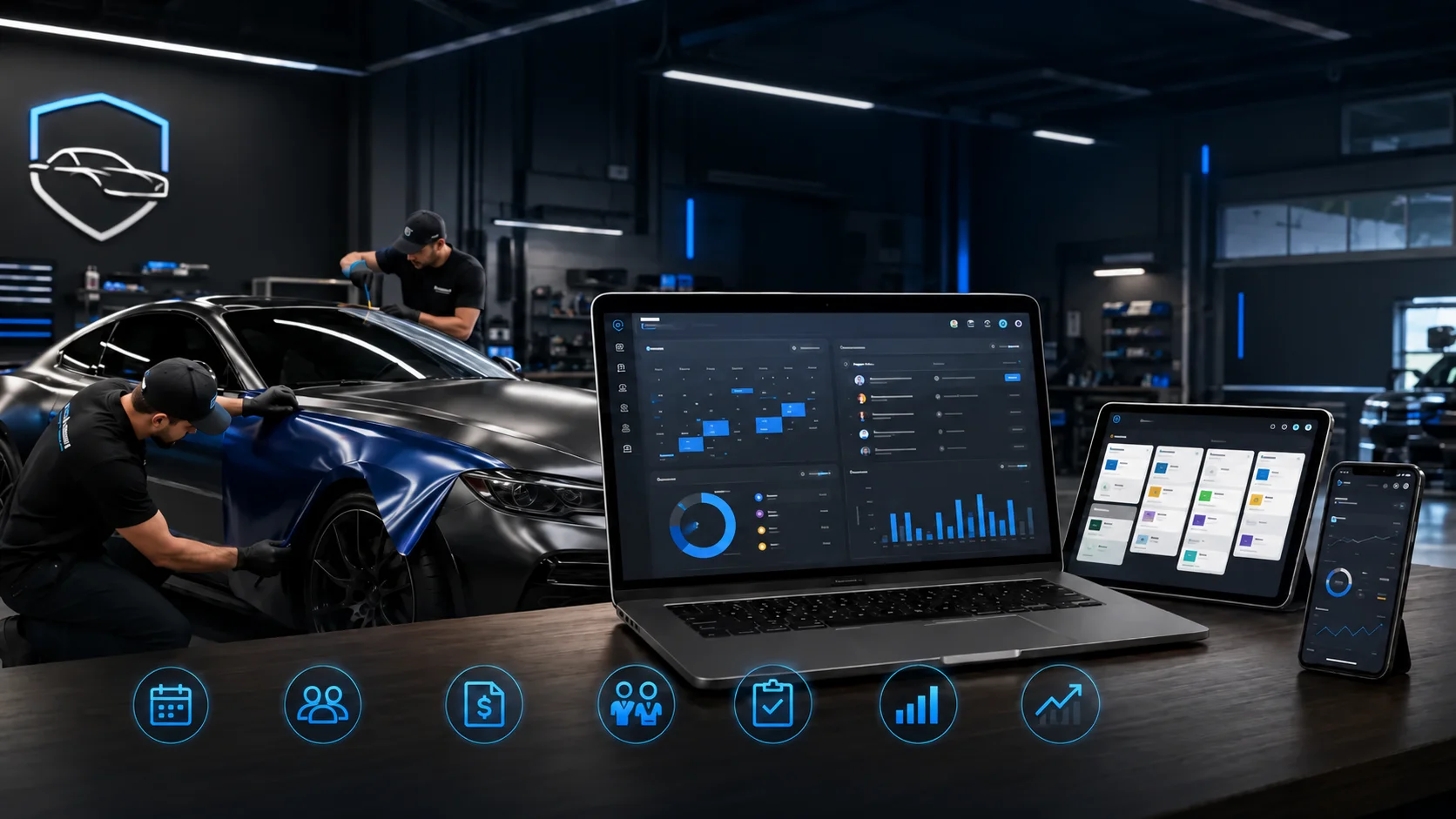
Every capacity leak above, unfilled bays, bad time estimates, mismatched jobs, no-shows, and a fragmented view, traces back to scheduling and information living in too many places. When bookings, realistic job durations, bay and tech assignments, confirmations, reminders, and the live daily schedule all run from one platform, throughput stops leaking. The bays stay full because the schedule is accurate and reliable, and the whole team works from the same real-time picture. A CRM and mobile app like OXMotive brings job scheduling and the customer communication that protects it into one place, with a mobile app so your team sees and updates the day's schedule from the floor. For owners running more than one location, multi-location support extends that same visibility across every shop.
How it comes together
Profit in a multi-bay shop is won or lost on throughput. Think in bay-hours, schedule against realistic job durations, match work to the right bay and tech, protect the schedule from no-shows and overruns, and give everyone one live view of the day. Do that and your bays stay full, your days run on time, and your shop finally earns what its capacity is worth. The cars are there, keeping every bay booked and on schedule is how you capture the revenue they represent.
Frequently asked questions
How do I keep every bay in my shop booked?
Start by thinking in bay-hours rather than customers, since every unfilled bay-hour is lost forever. Schedule against realistic job durations so bays flow smoothly, protect booked slots with confirmations, reminders, and deposits, and give your team one live view so a freed-up bay gets filled immediately. The goal is to treat your bays as a fixed pool of capacity to keep profitably full.
Why does my shop's schedule fall apart during the day?
Usually because jobs are booked without accurate time estimates, so one long job, like a full PPF wrap slotted as a short job, pushes everything behind it late. Booking against realistic durations and building in buffers for job types that tend to run over keeps the day from cascading. Tracking which services consistently overrun lets you schedule around reality.
Should I assign specific bays and techs to specific jobs?
Yes. Bays and technicians are not interchangeable, and routing complex, high-value work like PPF to the right environment and installer while sending simpler work elsewhere prevents bottlenecks. Treating everything as interchangeable leads to your best installer doing a wash while a high-value job waits, which quietly caps your earnings.
How do no-shows affect a multi-bay shop specifically?
They are more costly than in a single-bay shop because an empty full-day bay, such as a booked PPF slot, is very hard to backfill on short notice. Confirmations, reminders, and deposits on high-value jobs keep booked bays occupied. Every no-show you prevent is a full bay-hour, or many, recovered.
How does software help manage a multi-bay shop?
It brings scheduling, job durations, bay and tech assignments, confirmations, reminders, and the live daily schedule into one place so throughput stops leaking. The whole team works from the same real-time view, freed-up bays get filled quickly, and for multi-location owners the same visibility extends across shops. That consolidation is what keeps a busy multi-bay operation flowing instead of stalling.
This article describes general operational practices for capacity-constrained service shops and is provided as guidance rather than a guaranteed outcome. Results depend on your shop's layout, staffing, and service mix.
Subscribe to our newsletter today
Fresh insights and practical tips delivered every week.