.svg)
What's the Best Software for a Car Detailing Business? A 2026 Buyer's Guide
Searching for the best software for your detailing business? Here is what detailing software needs to do, the tool categories in 2026, the criteria that matter, and how to choose the right fit.

.png)
Helping auto shops work smarter and grow.

If you run a car detailing business and you are searching for the best software to run it, you have probably found that every platform claims to be the best. The honest answer is that there is no single best software for every detailing business, there is only the best software for your business, based on how you operate and where you want to grow. This guide answers the question properly: what detailing software actually needs to do, the categories of tools available in 2026, the criteria that separate a good fit from a costly mistake, and how to make the right choice for your shop.
What is car detailing software?
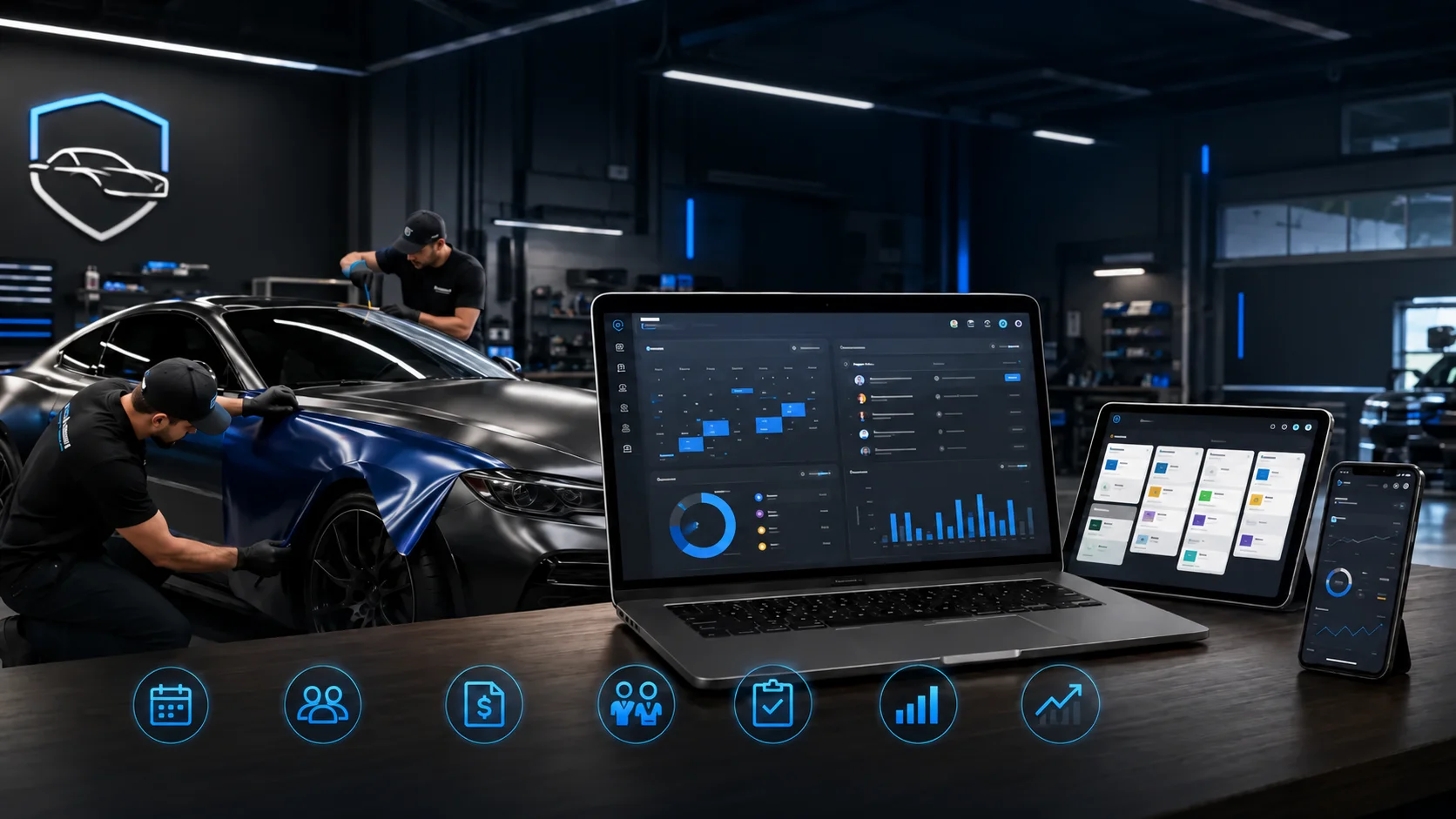
Car detailing software is a platform that manages the business side of a detailing operation, the customers, vehicles, bookings, quotes, jobs, payments, and follow-up, in one place instead of across a phone, a paper calendar, and your memory. Good detailing software acts as the operating system for your business: it stores each customer and their vehicle history, schedules appointments, produces quotes, tracks jobs, captures photos, sends reminders and follow-ups, and shows you how the business is performing. The point is to replace the scattered, manual admin that eats a detailer's time and leaks revenue with one organized system that runs reliably as you grow.
Why detailing needs purpose-built software
A common mistake is trying to run a detailing business on generic tools, a general appointment app, a salon booking system, or a basic spreadsheet, none of which fit how detailing actually works. Detailing is vehicle-centric, so the software needs to organize information around customers and their specific vehicles, with service histories that make sense for details, coatings, wraps, and protection, not generic appointments. Detailing is visual, so photo documentation of each vehicle matters. Detailing happens in bays and driveways, so mobile access is essential. And detailing jobs vary widely in length and price, from a quick wash to a multi-day coating, so scheduling and quoting have to handle that range. Software built for the trade fits these realities; generic tools fight them.
The categories of detailing software in 2026
The tools detailers consider in 2026 fall into a few broad categories, and understanding them helps you shop intelligently. There are detailing-specific and appearance-focused platforms built around vehicles, photos, and shop workflows. There are general field-service and home-service tools that handle scheduling, invoicing, and payments across many trades but often lack detailing-specific depth like proper vehicle history or photo documentation without add-ons. There are general-purpose marketing CRMs that are strong on automation but were not designed around vehicles or shop operations. And there are basic point-of-sale or spreadsheet setups that cover the minimum for a brand-new operator. Each category serves a different kind of business, and knowing which one matches your needs narrows the field fast.
The criteria that actually matter
Rather than comparing endless feature lists, judge detailing software on the criteria that determine whether it will genuinely help. First, fit for detailing: does it organize around customers and vehicles with real service history, and treat photos as first-class? Second, mobile access: can your team truly use it in the bay or on a mobile job, not just at a desk, since software that goes unused is worthless? Third, the core daily functions, scheduling, quoting, job tracking, payments, done well, because you touch these constantly. Fourth, customer communication and follow-up, since reminders and rebooking drive retention. Fifth, reporting, so you can see how the business performs. Sixth, the ability to scale, especially if you might add staff, services, or locations. And seventh, data ownership, so you can always export your own records. A tool that does these well beats one with a longer but shallower feature list.
Matching the software to your stage
The right choice depends heavily on where your business is. A brand-new solo detailer with a handful of customers can start simple, even a basic setup, because the priority is just getting going. A growing operation, past roughly fifty customers, where you are forgetting follow-ups and losing track of jobs, has clearly outgrown manual tools and needs a proper detailing-focused system, this is the stage where the right software pays for itself fastest. A mobile detailer needs genuine mobile-first access above all. A multi-service or multi-location shop needs a platform that handles that complexity with shared data and roles. Identify your stage honestly, and the category and criteria above point you to the right kind of tool rather than the most-hyped one.
How OXMotive fits
OXMotive is built specifically for appearance and protection shops, detailing, mobile detailing, ceramic coating, wrap, tint, PPF, and related services, which means it fits the vehicle-centric, visual, mobile realities of the trade rather than forcing you to adapt to a generic tool. It brings customer and vehicle records, scheduling, quoting, and job management, photo capture, automated reminders and follow-up, reporting, and multi-location support into one platform, with a mobile app for use in the bay or on the road and data export so your records stay yours. You can browse all the features or book a demo to test it against your own workflow. For the wider decision framework, see our buyer's guide to shop management software.
How to make the final decision
Once you have narrowed to a couple of options that fit your trade and stage, do not decide on a demo alone. Trial your top choice against your real workflow: enter real customers, run a real quote, capture job photos, and try it on a phone where you actually work. Involve the staff who will use it daily, because their adoption determines whether the software delivers. Judge it on whether it genuinely makes your operation smoother and your follow-up more reliable, not on how impressive it looked in a sales demo. The best software for your detailing business is the one your team actually uses every day to capture more work and keep more customers.
Frequently asked questions
What is the best software for a car detailing business?
There is no single best software for every detailing business, only the best for yours based on how you operate and where you want to grow. The right choice fits the vehicle-centric, visual, mobile nature of detailing, handles scheduling, quoting, job tracking, and payments well, drives follow-up and retention, offers reporting, can scale with you, and lets you own your data. Match those criteria to your stage, solo, growing, mobile, or multi-location, to find the right fit.
Do I need detailing-specific software or will a general tool work?
Detailing-specific software generally fits far better, because detailing is vehicle-centric, visual, and mobile in ways generic tools are not. General appointment apps, salon systems, and spreadsheets lack proper vehicle history, first-class photo documentation, and the flexible scheduling that detailing jobs, from a quick wash to a multi-day coating, require. A purpose-built platform fits these realities while generic tools force you to work around their assumptions.
When should a detailer get software instead of using a spreadsheet?
When you have outgrown manual tracking, typically once you pass roughly fifty customers and start forgetting follow-ups, losing track of jobs, or being unable to quickly answer basic questions about your business. A spreadsheet is fine for a brand-new solo detailer, but a growing operation loses real revenue to missed rebookings and disorganization, which is exactly the stage where proper detailing software pays for itself fastest.
What features should detailing software have?
The essentials are vehicle-centric customer records with real service history, first-class photo capture, genuine mobile access for use in the bay, strong core functions for scheduling, quoting, job tracking, and payments, customer communication and follow-up for retention, reporting to see performance, room to scale, and the ability to export your own data. Judge tools on whether these are done well rather than on the length of the feature list.
How do I choose between detailing software options?
Narrow to a couple that fit your trade and stage, then trial your top choice against your real workflow, entering real customers, running a real quote, capturing photos, and testing it on a phone where you work. Involve the staff who will use it daily, since their adoption determines success. Judge it on whether it genuinely makes your operation smoother and follow-up more reliable, not on how it looked in a demo.
[[END FAQ]]
This article offers general guidance to help you evaluate software independently. Assess any platform against your own shop's specific needs before purchasing.
Subscribe to our newsletter today
Fresh insights and practical tips delivered every week.