.svg)
How Much Does Shop Management Software Cost? A Pricing Breakdown
What does shop management software cost? Here is how it's priced, what drives the cost up or down, how to read the total cost, and how to weigh price against value.

.png)
Helping auto shops work smarter and grow.
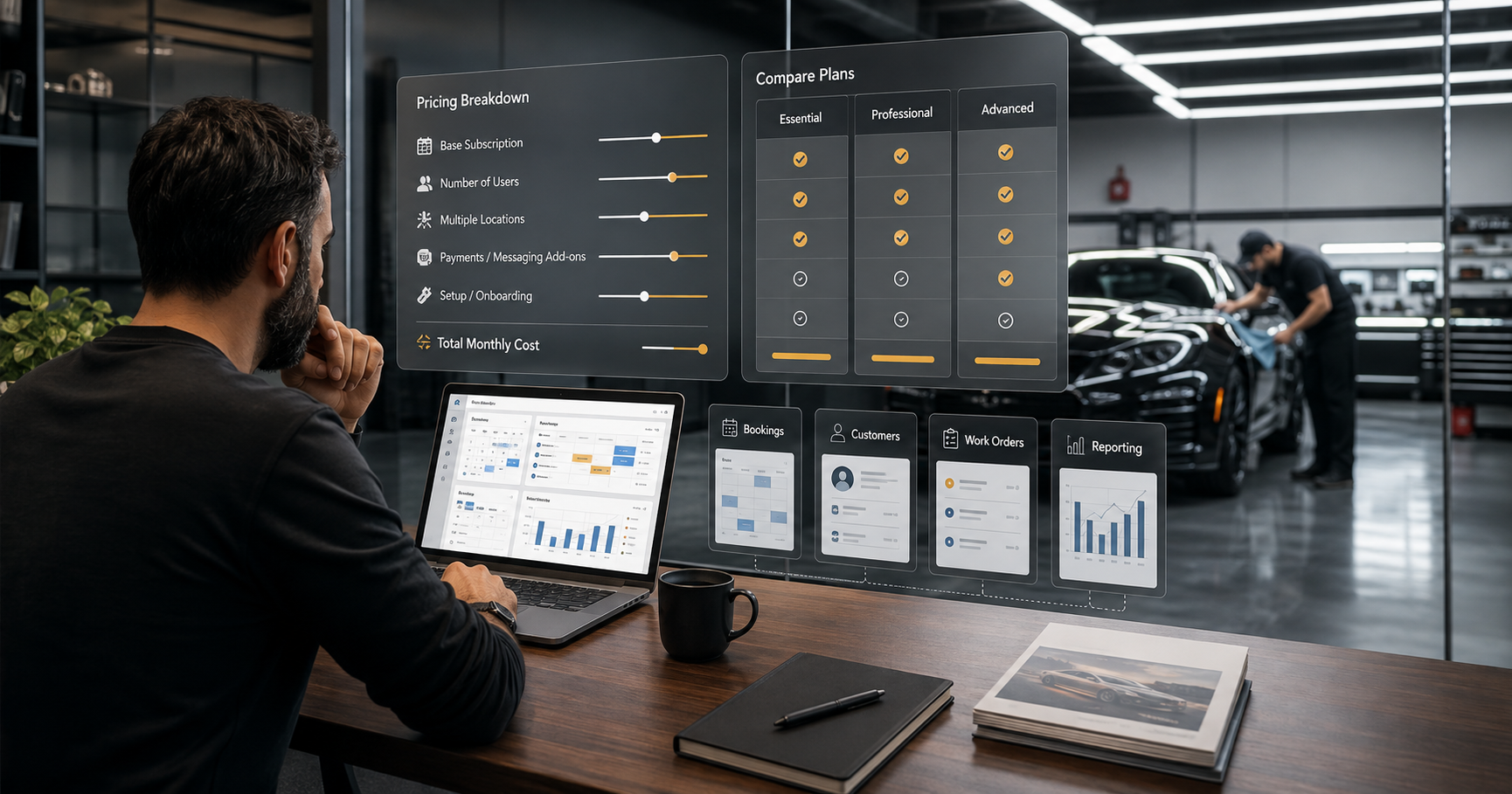
One of the first questions any shop owner asks about management software is simply: what does it cost? It is a fair question, but the honest answer is that pricing varies widely and the headline number is only part of the story. Understanding how these tools are priced, what drives the cost up or down, and how to weigh price against value will help you make a smart decision rather than just chasing the cheapest option. This guide breaks down how shop management software pricing typically works and how to think about what it is worth to your business.
How shop management software is usually priced
Most shop management and CRM software today is sold as a subscription, a recurring monthly or annual fee, rather than a one-time purchase. This software-as-a-service model means you are paying for ongoing access, updates, hosting, and support rather than buying a program outright. Pricing is commonly organized into tiers, with a lower-priced plan covering the essentials and higher tiers unlocking more features, more users, or more locations. Understanding this structure is the starting point: you are choosing a plan that fits your current size and needs, with the expectation of moving up as you grow, and the monthly fee reflects continuous service rather than a product you own.
What drives the price up or down
Several factors determine where in the range a given plan falls. The number of users or team members is common, since more staff accessing the system often means a higher tier. The number of locations matters, as multi-location support typically sits in higher tiers. The depth of features is a major driver, with basic plans covering core needs and advanced plans adding more capability. Some tools price by volume of customers or jobs. And add-ons like text messaging can affect cost. Knowing which of these factors applies lets you understand why one quote differs from another and predict how your cost will change as your shop grows, rather than being surprised later.
Looking past the headline price to total cost
The advertised monthly price is rarely the whole picture, so look at the total cost of ownership. Ask what is actually included in a given tier versus what costs extra, whether there are setup, onboarding, or data-migration fees, whether messaging or premium features are add-ons, and whether the price is per user or flat. Two tools with similar headline prices can differ significantly once these are accounted for. The goal is not to find the lowest advertised number but to understand the real, all-in cost of running the system for your shop, which is the only figure you can fairly compare between options.
Why the cheapest option is rarely the best value
It is tempting to simply pick the lowest price, but with software the cheapest choice often costs more in the end. A bargain tool that is missing features you need, is hard to use so your team avoids it, or lacks support when you are stuck can waste far more in lost productivity and missed business than it saves in subscription fees. Software that goes unused because it is frustrating is money entirely wasted, regardless of how low the price. The right frame is value, what the tool does for your business relative to its cost, not price in isolation, because a slightly more expensive system that actually gets used and drives revenue is the cheaper choice in real terms.
Weighing cost against what the software returns
The most useful way to judge software cost is against what it returns, because the right system is an investment that should more than pay for itself. Consider what it delivers: leads captured that would otherwise be lost, repeat business driven by follow-up, time saved on admin, fewer no-shows, better decisions from clear reporting. For most growing shops, recovering even a single job that would have slipped away, or converting a handful of one-time customers into repeat ones, covers the monthly cost many times over. Viewed that way, the question shifts from can I afford this to can I afford to keep losing what a good system would recover, which is usually the more honest question.
Finding the right plan for your shop
Practically, the right approach is to match the plan to your current stage while keeping an eye on growth. A newer or smaller shop can start on an essentials tier and upgrade as it expands, so you are not overpaying for capability you do not yet need, but you also want a system that can scale with you rather than forcing a disruptive switch later. Look for transparent pricing you can understand, tiers that map to real shop sizes, and the ability to grow within the same platform. OXMotive offers straightforward tiered pricing built for appearance and protection shops of different sizes, and you can book a demo to see which plan fits. For how to weigh features alongside price, see our software buyer's guide.
How it comes together
Shop management software is usually priced as a tiered monthly subscription, with cost driven by users, locations, features, and add-ons. The smart way to evaluate it is to look past the headline price to the real total cost, and then to weigh that cost against the value the system returns in captured leads, repeat business, saved time, and better decisions. Judged that way, the cheapest option is rarely the best, and the right question is not simply what it costs but what it is worth to your shop. Match the plan to your size, choose a system that can grow with you, and treat the right software as an investment rather than an expense.
Frequently asked questions
How much does shop management software cost?
It varies widely, and is usually sold as a tiered monthly or annual subscription rather than a one-time purchase, with lower tiers covering essentials and higher tiers adding features, users, or locations. Because the headline price is only part of the picture, the figure that matters is the total cost, what is included versus extra, plus any setup or add-on fees. Match the plan to your shop's size and expect to move up as you grow.
What affects the price of shop software?
Common factors include the number of users or team members, the number of locations, the depth of features, and sometimes the volume of customers or jobs, plus add-ons like text messaging. More staff, more locations, and more advanced features generally mean a higher tier. Knowing which factors a given tool prices on lets you understand why quotes differ and predict how your cost will change as your shop grows.
Why isn't the cheapest software the best value?
Because a bargain tool that lacks features you need, is hard to use, or offers poor support can waste far more in lost productivity and missed business than it saves in fees, and software that goes unused because it is frustrating is money entirely wasted. The right frame is value, what the tool does for your business relative to its cost, so a slightly pricier system that actually gets used and drives revenue is often the cheaper choice in real terms.
How do I know if the software is worth the cost?
Weigh the cost against what the system returns: leads captured that would otherwise be lost, repeat business from follow-up, time saved on admin, fewer no-shows, and better decisions from reporting. For most growing shops, recovering even one job that would have slipped away or converting a few one-time customers into repeat ones covers the monthly cost many times over, which reframes the question as whether you can afford to keep losing what a good system recovers.
Which pricing plan should my shop choose?
Match the plan to your current stage while keeping growth in mind. A smaller or newer shop can start on an essentials tier and upgrade as it expands, avoiding overpaying for capability it does not yet need, while still choosing a platform that can scale rather than forcing a disruptive switch later. Look for transparent pricing, tiers that map to real shop sizes, and room to grow within the same system.
[[END FAQ]]
This article offers general guidance. Software pricing and inclusions vary by provider and change over time, so confirm current pricing directly with any vendor you are considering.
Subscribe to our newsletter today
Fresh insights and practical tips delivered every week.