.svg)
How to Run a Busy Auto Shop Front Desk Without Dropping the Ball
Build a front-desk workflow that keeps calls, walk-ins, job status, customer updates, and technician handoffs organized during busy shop days.

.png)
Helping auto shops work smarter and grow.

A busy auto shop front desk is a control tower. Phones ring, customers arrive, technicians need answers, parts deliveries change timelines, and vehicle owners want updates—often at the same moment.
The front desk starts dropping the ball when information lives in too many places: a paper note beside the phone, a personal text thread, a whiteboard, an advisor’s memory, and a job record that has not been updated.
The answer is not working faster. It is building one operating system for intake, ownership, status, and communication.
Create one record at the first customer contact
Every inquiry should create or update a customer and vehicle record before it becomes an appointment or job.
Capture:
- Customer name and preferred contact method
- Vehicle year, make, model, and relevant identifier
- Customer’s concern in their own words
- Requested timing and transportation needs
- Whether the vehicle is waiting, dropping off, or being towed
- Existing customer and service history
Do not leave critical details only in voicemail, email, or a personal phone.
Use a consistent phone-intake script
Thank you for calling [Shop name]. May I start with your name, vehicle, and the concern you are experiencing?
Then clarify:
- When did the issue begin?
- Is a warning light on?
- Is the vehicle currently driveable?
- Has another repair or diagnosis recently been performed?
- What is the best number for updates?
The front desk should not diagnose by phone. Capture the concern accurately and escalate urgent safety questions according to shop policy.
Give every job an owner and a next action
A status label is not enough. Every active job needs:
- A responsible advisor or team member
- Current stage
- Next action
- Person responsible for that action
- Expected update time
Useful stages may include:
- Checked in
- Waiting for inspection
- Estimate being prepared
- Waiting for customer authorization
- Waiting for parts
- In progress
- Quality check
- Ready for pickup
A vehicle should not sit in “in progress” all afternoon when the real state is “waiting for approval.”
Separate urgent interruptions from routine updates
Front-desk work becomes chaotic when every message is treated as equally urgent.
Create three lanes:
- Immediate: Safety issue, stranded customer, tow arrival, incorrect pickup, or escalated complaint
- Today: Approval needed, parts-delay update, promised callback, or vehicle ready
- Scheduled: Routine status update, estimate follow-up, reminder, or future booking
This keeps urgent work visible without allowing routine messages to disappear.
Set proactive customer-update checkpoints
Customers call when they do not know what is happening. Reduce inbound status calls by telling them when the next update will arrive.
We have checked in your vehicle. The next step is the inspection, and we expect to update you by [Time], even if we are still waiting on something.
Update at meaningful events:
- Vehicle checked in
- Inspection or diagnosis completed
- Estimate ready
- Approval received
- Parts or timing changes
- Work completed
- Vehicle ready for pickup
J.D. Power’s 2024 U.S. Customer Service Index study found customers were far more likely to prefer service updates by text than by phone—68% versus 16%. The exact preference will vary by customer, so record and respect the chosen channel.
Manage walk-ins without losing scheduled work
A walk-in deserves acknowledgment, but not an unrealistic promise.
We can document the concern and check today’s capacity. I do not want to promise a completion time until the team reviews the schedule. May I take your details and confirm the next available step?
Use a visible capacity view and distinguish between a quick intake, a diagnostic commitment, and completed repair work.
Standardize technician-to-front-desk handoffs
When a technician needs approval or parts, the handoff should include:
- Finding
- Supporting measurement, note, photo, or video
- Recommended action
- Required parts or labor
- Whether work is stopped pending a decision
- The next question the advisor must answer
This prevents the advisor from chasing missing context while the customer waits.
Use end-of-day and opening checklists
End-of-day
- Confirm every active vehicle’s location and status
- Send promised updates
- Identify vehicles waiting on approvals or parts
- Prepare tomorrow’s early appointments
- Record unresolved calls and ownership
- Secure keys and customer information
Opening
- Review carryover jobs
- Confirm technician and bay availability
- Check parts expected that day
- Review waiting customers and early drop-offs
- Assign callbacks and updates
How OXMotive supports a busy front desk
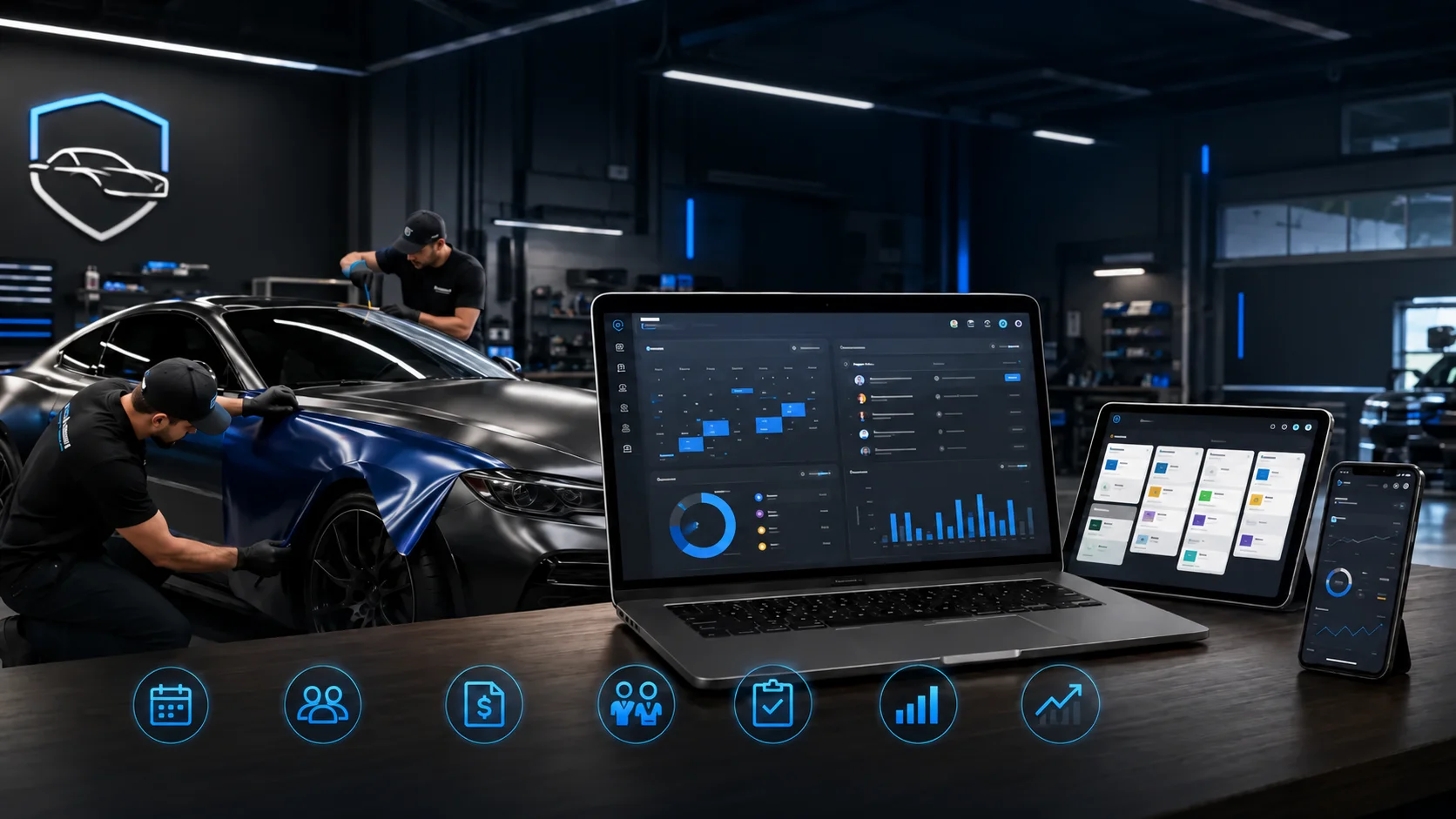
OXMotive centralizes customer and vehicle profiles, jobs, technician assignments, photos and videos, service history, SMS updates, and reporting. The mobile app lets the shop floor update records as work changes, while the web portal gives the front desk and owners a shared operational view.
Location-based online booking can connect customers with the appropriate location through the shop’s configured Calendly link. Appointment reminder sequences, payment deposits, and self-service rescheduling depend on the connected booking or payment tools used by the shop.
This shared system of record reduces the need to reconstruct a job from whiteboards, personal messages, and memory.
Frequently asked questions
What does an auto repair shop front desk need to track?
Track the customer, vehicle, concern, current job stage, responsible person, next action, promised update time, authorization status, and pickup plan.
How can a shop reduce customer status calls?
Set the next update time during check-in and communicate at meaningful job milestones. Customers are less likely to call when they know when and how the shop will contact them.
How should a front desk handle walk-ins?
Acknowledge the customer, capture the concern, check real capacity, and avoid promising diagnosis or completion before the schedule is reviewed.
What is the best way to organize repair job statuses?
Use clear stages that reflect the real constraint, such as waiting for inspection, customer approval, parts, active repair, quality check, or pickup.
Can OXMotive replace a shop’s paper front-desk process?
OXMotive provides shared customer, vehicle, job, communication, documentation, and reporting records. Shops should configure workflows and connected booking or payment tools around their specific operations.
Ready to give the front desk and shop floor one shared view? Book a demo of OXMotive.
Subscribe to our newsletter today
Fresh insights and practical tips delivered every week.