.svg)
How to Choose Shop Software for a Tint, PPF, or Detailing Shop (Without Overbuying)
A practical buyer's guide for tint, PPF, and detailing shops: how to choose software that fits your workflow without paying for features you'll never use.

.png)
Helping auto shops work smarter and grow.
Picking software for your shop should feel like hiring a great service advisor: it takes work off your plate and pays for itself. Too often it feels like the opposite, a monthly bill for a bloated system your team never fully learned and half the features sit unused. Across the software industry, research from Gartner estimates that around 30% of software spend is "toxic", wasted on licenses and features nobody uses, and broader studies put underutilization closer to 30 to 50%. This guide walks a tint, PPF, or detailing shop owner through choosing a tool that fits the way you actually work, without overpaying for capability you will never touch.
Start with your workflow, not a feature list
The most common buying mistake is shopping for features instead of shopping for your workflow. A long feature checklist feels thorough, but it leads you toward the biggest, most expensive platform rather than the one that fits. Instead, map how a job actually moves through your shop: a customer inquires, you quote, they approve and pay a deposit, you schedule, you do the work, you follow up. Whatever software you pick has to make those specific steps faster. If a feature does not touch one of those steps, it is not a selling point for you, it is something you will pay for and ignore.
Match the tool to your vertical, not a generic garage
Tint, PPF, and detailing shops do not run like a general repair garage, so generic "auto shop" software often fits badly. A PPF or wrap shop quotes by coverage and complexity, not flat-rate labor hours. A detailing shop sells packages and repeat memberships. A tint shop lives on fast quotes and high walk-in volume. When you evaluate a tool, ask whether it handles your quoting model, your deposit flow, and your kind of customer communication, or whether you would be forcing your business into a template built for oil changes. The right fit is software that speaks your trade, like OXMotive, which is built for appearance and protection shops rather than retrofitted from a generic garage system.
The features that actually matter for appearance and protection shops
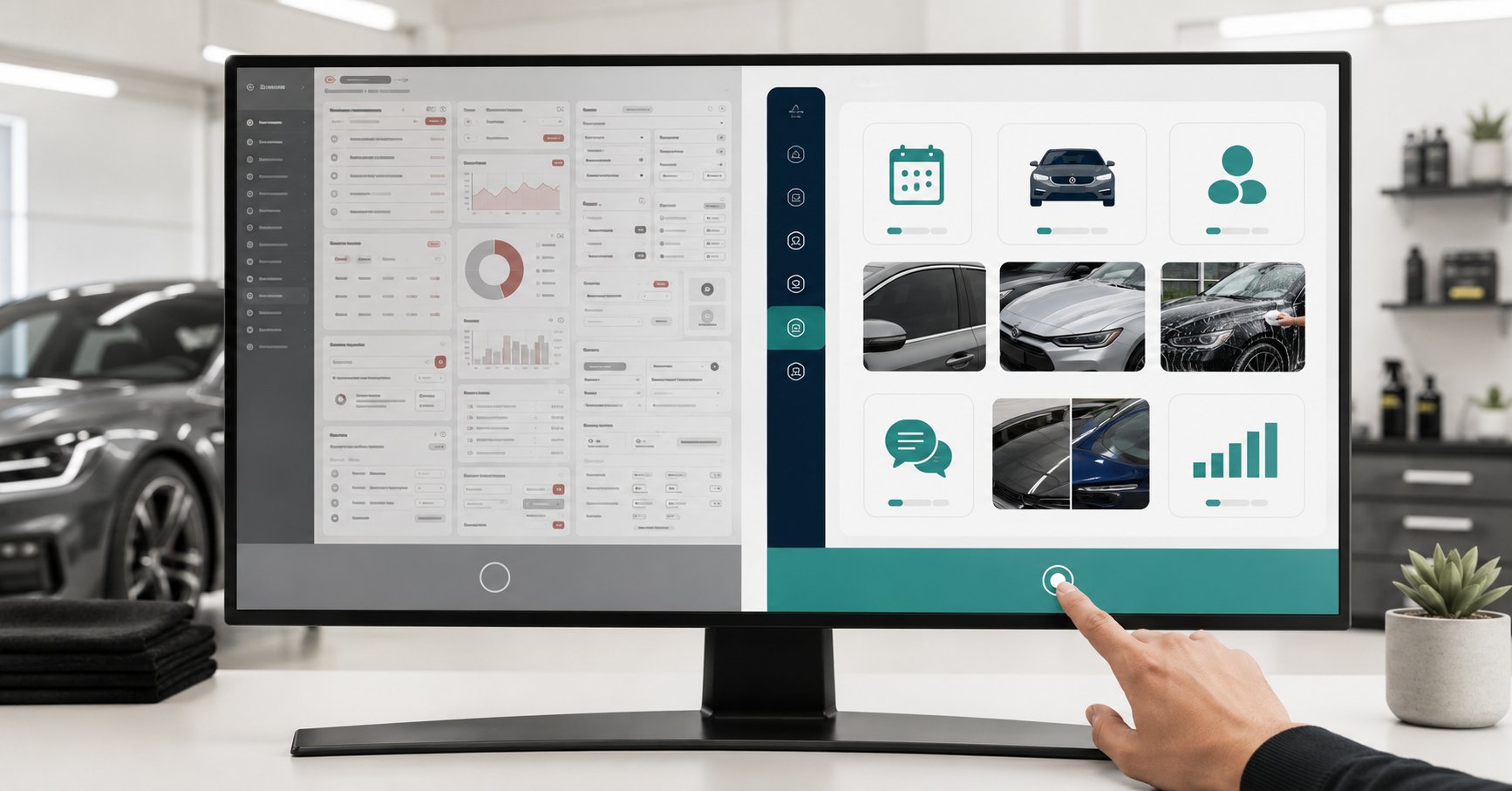
Cut through the noise by focusing on the handful of capabilities that move money in your kind of shop. Structured quoting that handles coverage tiers and complexity so you stop undercharging. Booking deposits so high-value jobs and special-order material are protected. Online booking and two-way texting so you capture the customer who calls or messages while you are mid-install. A centralized customer record with service history and before-and-after photos, because your work is visual and your repeat business depends on remembering every car. Automated reminders and follow-up so no-shows drop and past customers come back. You can browse the full feature set here. If a tool nails these, it will earn its keep. Everything beyond them is a bonus, not a reason to pay more.
Beware the over-engineered platform
Bigger is not better when it comes to shop software. Enterprise-grade platforms are built for large multi-department operations, and they carry the price, complexity, and training burden to match. For a one-to-three-bay appearance shop, that horsepower becomes friction: your team avoids the system because it is confusing, data gets entered inconsistently, and you end up running a spreadsheet on the side anyway. That is the underutilization the industry data warns about, playing out in your own shop. The goal is not the most powerful tool, it is the most powerful tool your team will actually use every day.
Weigh total cost, not just the sticker price
The monthly subscription is the most visible cost and often the least important one. Look at the full picture: setup and data migration, per-user or per-location fees as you grow, add-ons that are quietly required to make the core useful, and above all the time cost of training your team. A cheaper tool that takes weeks to learn and still needs workarounds can cost more in lost time than a slightly pricier tool your team masters in a day. Ask every vendor what onboarding looks like and how long until a new staff member is productive in it.
Run a real trial before you commit
Never buy shop software on a demo alone. A polished demo shows the tool at its best on someone else's data. What matters is how it performs on a real job in your shop with your team. Before committing, run your actual workflow through it: build a real quote, take a test deposit, schedule a job, send a reminder, pull up a customer record. If any of those everyday steps feels clumsy in the trial, it will feel worse at 8 a.m. on a Saturday with three cars waiting. The best way to judge is to book a demo and then run your own workflow through it. The right software makes your real work obviously easier within the first few days.
A simple checklist for choosing without overbuying
Before you sign, run the tool against these questions. Does it speed up every step of my actual job flow? Is it built for my kind of shop, or a generic garage? Does it cover quoting, deposits, booking, texting, customer records, and follow-up without add-ons? Will my team be comfortable using it within a day or two? Do I understand the full cost, including onboarding and growth? Did it feel easy on a real job during the trial, not just the demo? If you can answer yes to those, you have found software that fits. If a tool dazzles you with features you cannot map to a yes, that is the sound of money about to be wasted.
How it comes together
Choosing well is really about discipline: buy for the way your shop works, insist on the handful of features that move money, and refuse to pay for power your team will not use. Appearance and protection shops do not need the biggest platform on the market, they need the one that quotes their way, protects their deposits, captures their calls, remembers their customers, and gets adopted on day one. A focused tool like OXMotive is built to do exactly that for tint, PPF, and detailing shops, so the software works for you instead of the other way around.
Frequently asked questions
How much software do a tint, PPF, or detailing shop actually need?
Far less than most vendors will try to sell you. You need structured quoting, deposits, online booking and texting, a centralized customer record with photos, and automated follow-up. If a tool covers those well, extra enterprise features usually go unused, which is exactly the waste that industry research flags.
Why not just use generic auto shop software?
Generic garage software is built around flat-rate labor and repair orders, which does not match how appearance and protection shops quote or sell. You end up forcing your business into a template built for oil changes. Software built for your vertical handles coverage-based quoting, packages, and visual customer records the way you actually work.
How do I avoid overpaying for features I won't use?
Start from your real workflow instead of a feature checklist, and only value features that speed up a step you actually perform. Gartner estimates around 30% of software spend is wasted on unused licenses and features, so every feature you cannot tie to your job flow is a likely waste. Buy for fit, not for the longest feature list.
Is more expensive software usually better?
Not for a small appearance shop. Enterprise platforms carry complexity and training burden built for large operations, and that friction often means your team quietly avoids the tool. The best software is the one your team will actually use every day, which is usually a focused tool rather than the most powerful one.
What should I test during a free trial?
Run your real workflow, not just the demo path: build an actual quote, take a test deposit, schedule a job, send a reminder, and pull up a customer record. If any everyday step feels clumsy in the trial, it will feel worse on a busy day. Good software makes your real work obviously easier within the first few days.
Figures in this article reflect published software-industry benchmarks on SaaS underutilization and are provided as general context. Your actual needs depend on your shop's size, services, and team.
Subscribe to our newsletter today
Fresh insights and practical tips delivered every week.